

Description
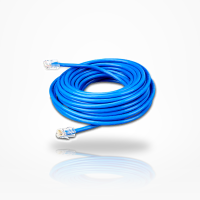
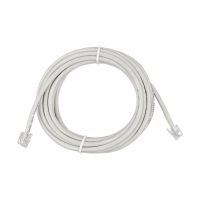
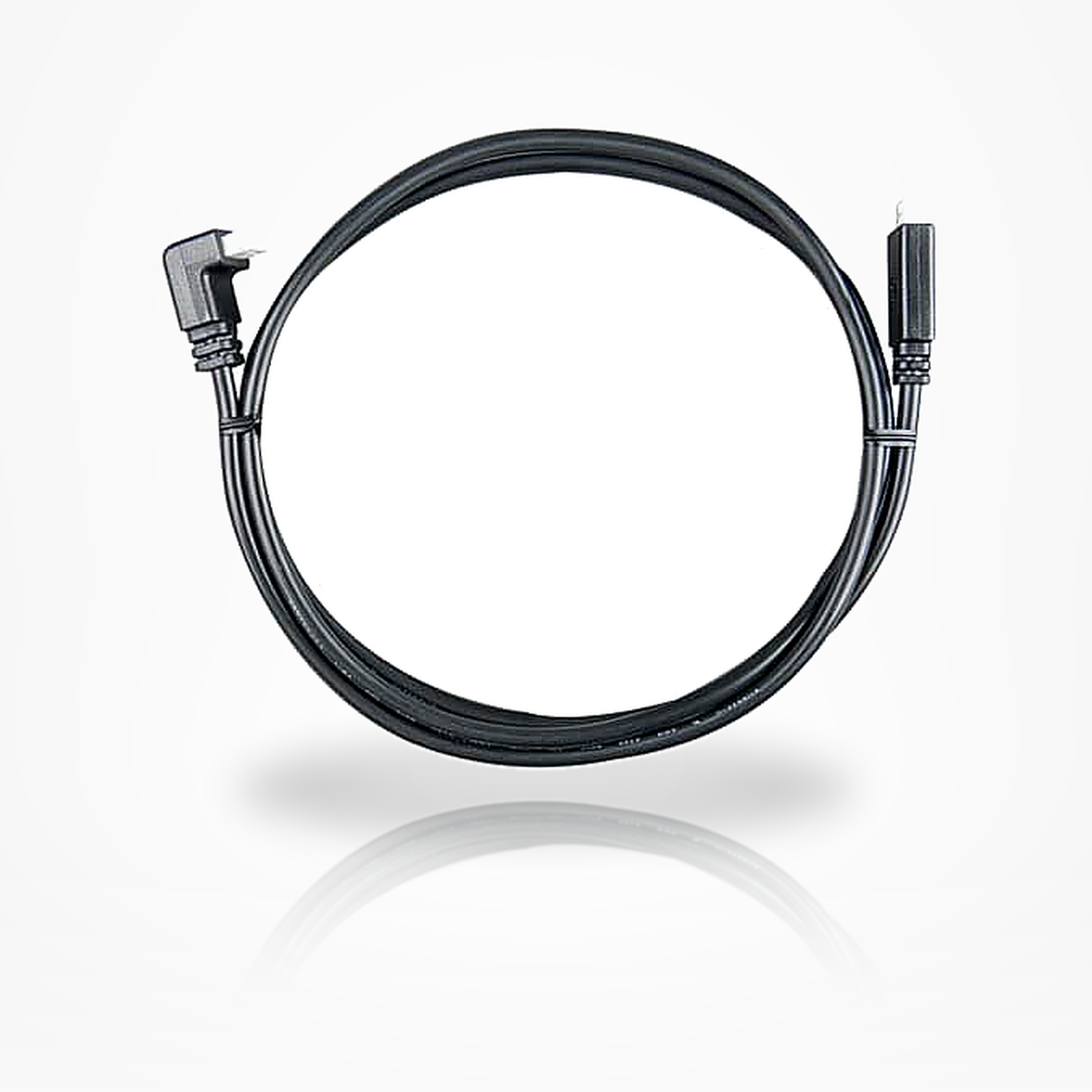
Victron ASS030531209 is a 0.9m VE.Direct data cable with a right-angle connector on one end and a straight connector on the other. It links compatible VE.Direct devices, such as battery monitors, MPPT solar controllers and GX devices, in tight spaces where the angled end can reduce the depth needed behind a panel. It carries data only and is not a power cable.
Features
- One right-angle VE.Direct connector, meant to reduce the depth needed behind a panel or in a shallow cabinet.
- One straight VE.Direct connector on the other end.
- Cable length of 0.9 meters, approx. 2.95 feet.
- Four-core VE.Direct data cable.
- Data cable only: it carries VE.Direct communications, not battery, charger, solar or inverter power.
- Factory-made: splicing and extension are not recommended, so choose the correct cable length.
Specifications
| Brand | Victron Energy |
| Part number | ASS030531209 |
| Product type | VE.Direct communication cable (data accessory) |
| Cable length | 0.9 meters / approx. 2.95 feet |
| Cable family | VE.Direct |
| Conductors | VE.Direct four-core data cable |
| Connector configuration | One straight VE.Direct connector and one right-angle VE.Direct connector |
Compatibility
Confirm a VE.Direct port on both devices before ordering. Listed uses include:
- SmartShunt or BMV battery monitors linked to a Cerbo GX or other compatible GX device.
- Compatible BlueSolar and SmartSolar MPPT controllers with VE.Direct ports.
- Supported Orion XS and Smart IP43 chargers connected to a compatible GX device.
- Compatible VE.Direct Phoenix inverters where the product manual calls for VE.Direct.
Victron ASS030531209 does not fit VE.Bus, VE.Can, BMS-Can, Ethernet or RJ45 ports. Test the connector orientation before mounting the equipment, and add strain relief near both connected devices.